Creating an inclusive brand isn’t just a trend; it’s a necessity. This Brand Accessibility Guide empowers you to design experiences that welcome every customer, regardless of ability, ensuring your business thrives in a diverse marketplace.
In this article, we explore the essential components of a robust Brand Accessibility Guide. You will learn how to optimize visual identity, master inclusive digital content, and leverage tools like SEMrush and Google Analytics to measure success. We cover actionable steps for color contrast, typography, and voice search optimization to future-proof your brand strategy.
Why You Need a Brand Accessibility Guide
In the modern digital landscape, exclusion is a business risk. A comprehensive Brand Accessibility Guide acts as your roadmap to navigating the complexities of inclusive design and communication. When we talk about Inclusive Brand Strategies, we are discussing more than just compliance with laws like the ADA (Americans with Disabilities Act); we are talking about empathy, user experience (UX), and market expansion.
Approximately 15% of the world’s population lives with some form of disability. By failing to implement a Brand Accessibility Guide, companies effectively shut the door on over one billion potential customers. Furthermore, accessibility features often improve the experience for everyone. For instance, high-contrast text helps users looking at screens in bright sunlight, and captions benefit those watching videos in quiet environments.
Developing a Brand Accessibility Guide ensures that your Brand Perception in Marketing remains positive. Brands that prioritize inclusivity are viewed as ethical, forward-thinking, and customer-centric. Conversely, a lack of accessibility can lead to a public relations crisis, especially in the social media era where Brand Crisis Management in the Social Media Era is critical.
The Intersection of SEO and Accessibility
One of the most compelling reasons to create a Brand Accessibility Guide is the overlap between accessibility and Search Engine Optimization (SEO). Search engines like Google function similarly to screen readers used by visually impaired individuals. They crawl code, look for alt text, and prioritize clear, structured content.
According to experts at Backlinko, user experience signals are a significant ranking factor. If your site is difficult to navigate, bounce rates increase, signaling to search engines that your content is not valuable. A strong Brand Accessibility Guide addresses these technical aspects, ensuring your site is crawlable and usable. By optimizing for accessibility, you are simultaneously implementing Digital Marketing Strategies that boost your organic visibility.
The Legal Landscape
Ignoring accessibility can lead to costly litigation. The number of web accessibility lawsuits has risen sharply in recent years. Your Brand Accessibility Guide should serve as a compliance document, ensuring your digital assets meet WCAG (Web Content Accessibility Guidelines) standards. This proactive approach protects your Brand Reputation and saves legal fees that can be better invested in Brand Promotion Strategy.
Core Components of a Brand Accessibility Guide
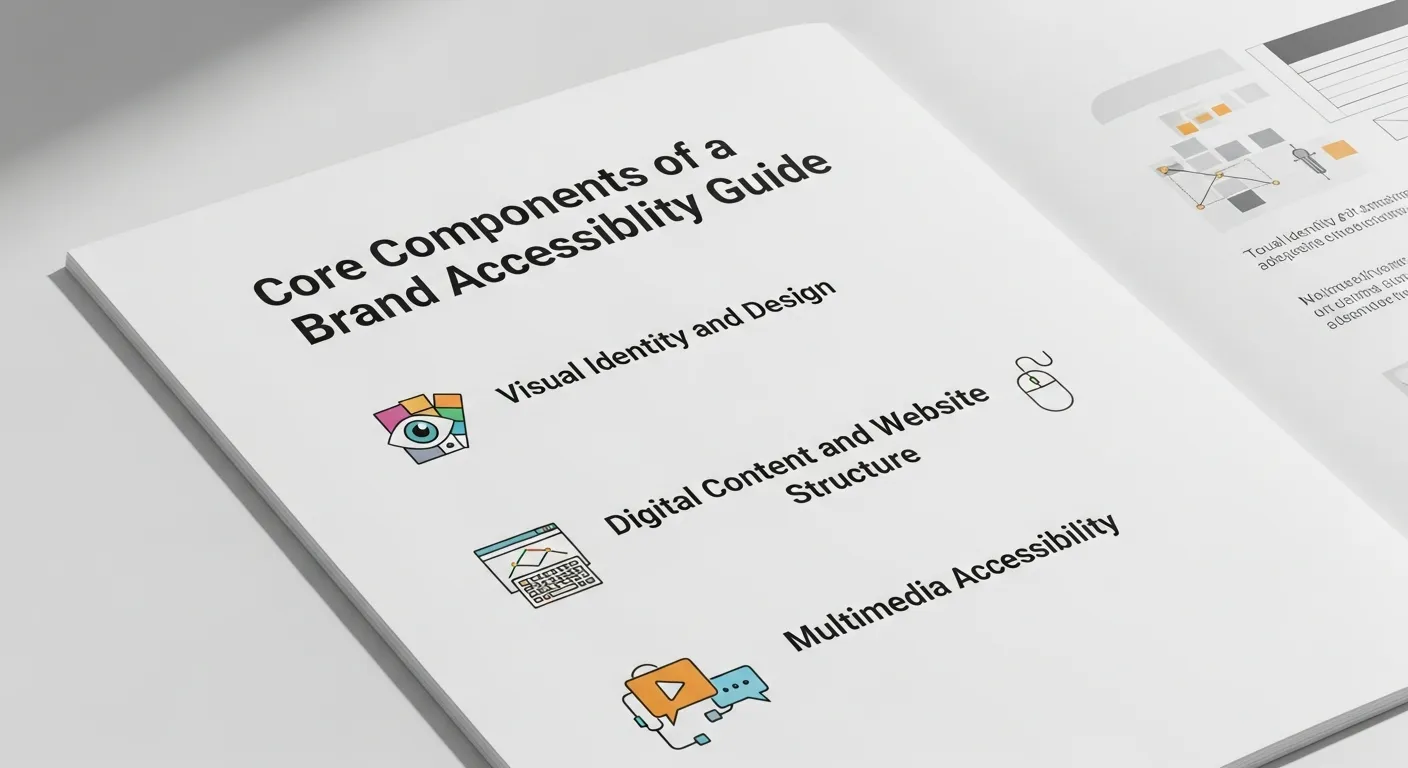
A truly effective Brand Accessibility Guide must be holistic. It shouldn’t just sit in the design department; it needs to permeate every aspect of your Integrated Marketing efforts. Below are the critical pillars your guide must cover.
1. Visual Identity and Design
Your visual identity is often the first touchpoint for a consumer. A Brand Accessibility Guide must define strict rules for how visual elements are presented to ensure they are discernible to everyone, including those with color blindness or low vision.
Color Contrast
The most common failure in accessibility is poor color contrast. Your Brand Accessibility Guide should mandate a contrast ratio of at least 4.5:1 for normal text and 3:1 for large text, adhering to WCAG AA standards. This ensures that text stands out against the background.
- Actionable Tip: Use tools recommended by Wikipedia or Adobe Color to test your brand palette.
- Brand Safety: Avoid color combinations that vibrate or cause eye strain, such as red text on a blue background.
Typography and Readability
Your choice of fonts says a lot about your Brand Personality In Marketing, but it also dictates who can read your message. A Brand Accessibility Guide should prioritize sans-serif fonts like Arial, Helvetica, or Verdana for digital interfaces, as they are generally easier to read on screens.
- Font Size: Establish a minimum font size (usually 16px for body text) in your Brand Accessibility Guide.
- Line Height: Ensure adequate spacing between lines (1.5x) to prevent crowding.
- Formatting: Avoid using all caps for long blocks of text, as it reduces readability.
Iconography and Data Visualization
When using charts or icons to represent data—perhaps when showcasing Digital Marketing Success Stories—never rely on color alone to convey meaning. A good Brand Accessibility Guide requires that information be distinguished by shape, pattern, or text labels in addition to color.
2. Digital Content and Website Structure
Your website is the hub of your Digital Brand Strategy. Your Brand Accessibility Guide must outline how content is structured and coded.
Semantic HTML
Screen readers rely on proper heading structures (H1, H2, H3) to navigate content. Your Brand Accessibility Guide should forbid the use of bolding just for aesthetics; headers must be used hierarchically. This also aligns with Generative Engine Optimization principles, making it easier for AI to parse your content.
Alt Text for Images
Every image on your site that conveys meaning must have alternative text (alt text). Your Brand Accessibility Guide should provide examples of good vs. bad alt text.
- Bad: “Image of computer.”
- Good: “A freelancer analyzing Brand Equity KPIs on a laptop.”
This not only aids visually impaired users but also provides context to search engine crawlers, boosting your relevance for terms like Digital Marketing.
Link Text
“Click here” is a forbidden phrase in any reputable Brand Accessibility Guide. Link text should be descriptive, telling the user exactly where the link goes (e.g., “Download our Global Brand Launch Checklist“). This improves navigation for screen reader users who often skip through links to find relevant content.
3. Multimedia Accessibility
As Video Marketing and Influencer Marketing continue to grow, your multimedia assets must be inclusive.
- Captions: Your Brand Accessibility Guide must mandate closed captions for all video content. This helps the deaf community and the 85% of social media users who watch videos with sound off.
- Transcripts: Provide full text transcripts for podcasts and audio content.
- Audio Description: For video content where visual information is critical but not spoken, audio descriptions are necessary.
Integrating Accessibility into Your Marketing Strategy

A Brand Accessibility Guide is useless if it isn’t integrated into your broader marketing campaigns. Whether you are executing Luxury Brand Marketing or CPG Brand Marketing, accessibility enhances reach.
Social Media Accessibility
Social platforms are central to How to Increase Brand Awareness Through Digital Marketing. However, they can be exclusionary if not managed correctly.
- CamelCase Hashtags: Your Brand Accessibility Guide should require hashtags to capitalize the first letter of each word (e.g., #BrandAccessibilityGuide instead of #brandaccessibilityguide). This allows screen readers to pronounce the words correctly.
- Emoji Usage: Limit emoji use and place them at the end of sentences. Screen readers describe every emoji, which can be tedious if they are sprinkled throughout the text.
- Image Descriptions: Platforms like Twitter (X), Instagram, and LinkedIn allow you to add alt text to images. Make this a mandatory step in your Social Media Marketing workflow.
Email Marketing
When sending out newsletters or promotions, your Brand Accessibility Guide should dictate the template design.
- Plain Text Versions: Always include a plain text option.
- Logical Reading Order: Ensure the design flows logically from top to bottom, left to right.
- Subject Lines: Keep them clear and concise.
Voice Search and AI
With the Rise of Voice Branding and smart speakers, accessibility now extends to how your brand sounds. Your Brand Accessibility Guide needs to consider Voice Search Optimization. Content should be written in a conversational tone that answers questions directly. This aligns with Neuromarketing Techniques, appealing to the brain’s preference for simple, direct answers.
Developing Your Brand Accessibility Guide: A Step-by-Step Process
Creating this document requires a systematic approach. Here is how to build your Brand Accessibility Guide from scratch.
Phase 1: The Audit
Before you can guide others, you must know where you stand. Conduct a comprehensive audit of your current brand assets.
- Tools: Use SEMrush to identify technical SEO issues that overlap with accessibility, such as broken links or missing alt tags. Use Google Analytics to see where users might be dropping off—high bounce rates on specific pages can indicate accessibility barriers.
- Manual Testing: Try navigating your website using only a keyboard. If you get stuck, your users will too.
Phase 2: Define Your Standards
Based on your audit, define the specific standards your Brand Accessibility Guide will enforce. Will you aim for WCAG 2.1 AA or AAA? Define your color palette, approved fonts, and writing style.
Phase 3: Documentation and Training
Write the Brand Accessibility Guide in clear, accessible language. It should be a living document, easily accessible to all employees.
- Training: Hold workshops to explain why this guide matters.
- Champions: Appoint “Accessibility Champions” within different departments to ensure adherence.
Phase 4: Continuous Improvement
Accessibility is a journey, not a destination. Your Brand Accessibility Guide should include a schedule for regular re-audits. As technology evolves—think Augmented Reality Branding or Mastering Metaverse Branding—your guidelines will need to adapt to ensure these new frontiers remain inclusive.
The Business Case: ROI of an Accessible Brand
Many stakeholders may ask about the ROI of investing time in a Brand Accessibility Guide. The data is clear: inclusive design drives growth.
|
Benefit |
Description |
Impact on Business |
|---|---|---|
|
Market Expansion |
Access to 1 billion+ people with disabilities. |
Increased potential revenue and market share. |
|
SEO Boost |
Accessibility improves crawlability and user signals. |
Higher rankings on Google and increased organic traffic. |
|
Brand Loyalty |
Users return to sites that are easy to use. |
Higher Customer Lifetime Value (CLV) and Brand Equity. |
|
Innovation |
Constraints drive creativity in design. |
Unique Brand Positioning in Marketing and differentiation. |
|
Risk Mitigation |
Compliance with ADA and other laws. |
Avoidance of lawsuits and protection of Brand Reputation. |
By implementing a Brand Accessibility Guide, you are also practicing Ethical Branding. Consumers today, particularly Gen Z and Millennials, align themselves with values-driven companies. Demonstrating a commitment to inclusivity through a public Brand Accessibility Guide can significantly enhance Brand Perception.
Advanced Strategies for Your Brand Accessibility Guide

Once you have the basics covered, your Brand Accessibility Guide can expand into more advanced territory.
Cognitive Accessibility
Cognitive accessibility focuses on users with learning disabilities, attention deficits, or memory impairments. Your Brand Accessibility Guide should recommend:
- Plain Language: Aim for a reading level of grade 8 or lower. Tools like the Hemingway App can help writers simplify complex sentences.
- Consistent Navigation: Keep menus and buttons in the same place across all pages to reduce cognitive load.
- Distraction-Free Design: Avoid auto-playing videos or moving carousels that can distract users.
Sensory Branding
As we move toward Multisensory Branding, your Brand Accessibility Guide must consider users with sensory processing sensitivities.
- Audio Control: Ensure users can easily mute audio.
- Motion Sensitivity: Provide options to reduce motion in animations for users prone to vestibular disorders (motion sickness).
Emotional Branding and Inclusivity
Emotional Branding relies on connecting with the user’s feelings. However, if your content is inaccessible, the only emotion you will evoke is frustration. A Brand Accessibility Guide ensures that the emotional arc of your Brand Storytelling is experienced by everyone. Whether you are using Nostalgia in Digital Branding or Interactive Storytelling, the medium must not block the message.
Tools to Support Your Brand Accessibility Guide
No one expects you to memorize every WCAG rule. Your Brand Accessibility Guide should list approved tools for your team to use.
- Ahrefs: Excellent for site audits to find broken links and technical errors that hurt accessibility. Ahrefs is a staple for maintaining site health.
- WAVE Tool: A browser extension that visualizes accessibility errors directly on your page.
- Color Oracle: A free color blindness simulator for Windows, Mac, and Linux.
- NVDA (NonVisual Desktop Access): A free screen reader that allows developers to test their code from a user’s perspective.
- UserWay: An AI-powered widget that can help automate some accessibility fixes, though it should not replace a core Brand Accessibility Guide.
Common Mistakes to Avoid in Your Brand Accessibility Guide
Even with good intentions, brands make mistakes. Ensure your Brand Accessibility Guide explicitly warns against these pitfalls:
- Over-reliance on Automated Tools: Automated checkers capture only about 30% of accessibility issues. Manual testing is mandatory.
- “Click Here” Links: As mentioned, vague link text is a major usability sin.
- Text Embedded in Images: Screen readers cannot read text that is flattened into a JPEG or PNG. Always use live text or comprehensive alt tags.
- Ignoring Mobile: Many users with disabilities rely on mobile devices. Your Brand Accessibility Guide must mandate responsive design that supports pinch-to-zoom and works with mobile screen readers like VoiceOver (iOS) and TalkBack (Android).
The Future of Brand Accessibility
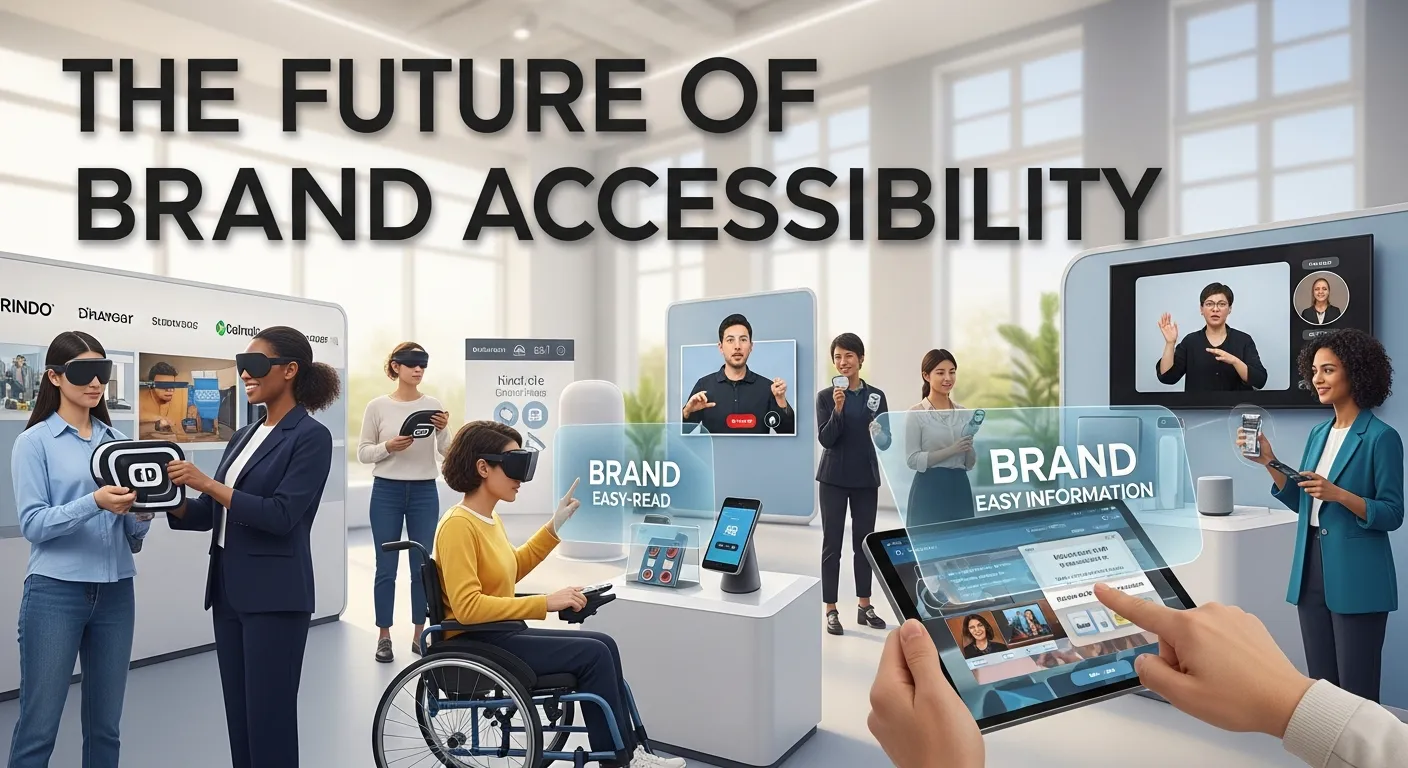
As we look toward the future, the scope of a Brand Accessibility Guide will continue to widen. The rise of Generative Engine Optimization and AI interfaces means that brands will need to be accessible not just to humans, but to the intelligent agents acting on their behalf.
Augmented Reality (AR) Branding will present new challenges. How do you make a virtual try-on accessible to a blind user? Perhaps through detailed audio descriptions or haptic feedback. Your Brand Accessibility Guide must remain agile, ready to incorporate these technologies as they mature.
Furthermore, Sustainability in Brand Strategy and accessibility often go hand-in-hand. Digital sustainability aims to create lightweight, efficient websites. Conveniently, accessible websites tend to have cleaner code and load faster, reducing energy consumption. Including a section on digital sustainability in your Brand Accessibility Guide positions your brand as a leader in Green Marketing.
Building Brand Resilience
Ultimately, a Brand Accessibility Guide is a tool for Building Brand Resilience. In an unpredictable market, ensuring that your channels are open to 100% of the population provides a stability that exclusive brands lack. It prepares you for demographic shifts, such as the aging population who will increasingly rely on accessibility features.
By codifying these practices into a formal Brand Accessibility Guide, you transform accessibility from an afterthought into a strategic asset. You move from asking “How much will this cost?” to realizing “How much value will this generate?”
Conclusion
Creating a Brand Accessibility Guide is one of the most impactful steps you can take to future-proof your business. It aligns your Brand Purpose with actionable practices, ensuring that your Brand Promise of inclusivity is kept. From choosing the right color contrast to writing descriptive alt text, every detail matters. By following the strategies outlined in this article, you will not only comply with the law but also win the hearts and loyalty of a massive, underserved market. Start building your Brand Accessibility Guide today, and open your doors to everyone.
FAQs
1. What is a Brand Accessibility Guide?
A Brand Accessibility Guide is a comprehensive document that outlines the standards and best practices a company must follow to ensure its branding, marketing materials, digital assets, and products are accessible to people with disabilities. It covers visual design, content writing, coding standards, and multimedia requirements.
2. Why is a Brand Accessibility Guide important for SEO?
Search engines like Google prioritize user experience. Sites that adhere to a Brand Accessibility Guide typically have cleaner code, faster load times, proper heading structures, and descriptive alt text. These are all positive ranking signals that help improve visibility in search results.
3. How does a Brand Accessibility Guide help with legal compliance?
Many countries have laws requiring digital accessibility, such as the ADA in the US and the EAA in Europe. A Brand Accessibility Guide ensures your team consistently meets WCAG standards, significantly reducing the risk of lawsuits related to discrimination and inaccessibility.
4. Can a Brand Accessibility Guide improve brand loyalty?
Yes. When customers with disabilities have a seamless experience with your brand, they are more likely to return and recommend you to others. A Brand Accessibility Guide ensures consistent, positive experiences, fostering trust and long-term loyalty among a diverse customer base.
5. What are the first steps to creating a Brand Accessibility Guide?
Start by auditing your current assets using tools like SEMrush and WAVE. Identify gaps in your accessibility. Then, define your standards (e.g., WCAG 2.1 AA) regarding color, typography, and code. Document these rules and train your team on how to implement the Brand Accessibility Guide.
6. Does a Brand Accessibility Guide limit creative design?
No, it encourages smarter design. While a Brand Accessibility Guide imposes constraints like contrast ratios, these constraints often lead to cleaner, more effective visual communication that benefits all users, not just those with disabilities.
7. How often should a Brand Accessibility Guide be updated?
Technology and guidelines evolve. You should review and update your Brand Accessibility Guide at least annually. Additionally, whenever you adopt a new marketing channel (like the Metaverse or VR), the guide should be updated to address accessibility in that new medium.
8. Who should be responsible for the Brand Accessibility Guide?
While marketing or design teams often create it, ownership should be shared. Developers need to own the coding standards, writers own the content guidelines, and leadership must enforce the overall strategy. A cross-functional team ensures the Brand Accessibility Guide is effective.
9. What tools can help implement a Brand Accessibility Guide?
Essential tools include contrast checkers (WebAIM), screen readers (NVDA, VoiceOver), site audit tools (Ahrefs, SEMrush), and readability analyzers (Hemingway App). These tools help verify that the standards in your Brand Accessibility Guide are being met.
10. Is a Brand Accessibility Guide only for digital brands?
No. While digital is a major component, a Brand Accessibility Guide should also cover physical touchpoints, such as signage in brick-and-mortar stores, packaging design (easy to open, readable fonts), and customer service interactions. True accessibility is omnichannel.